
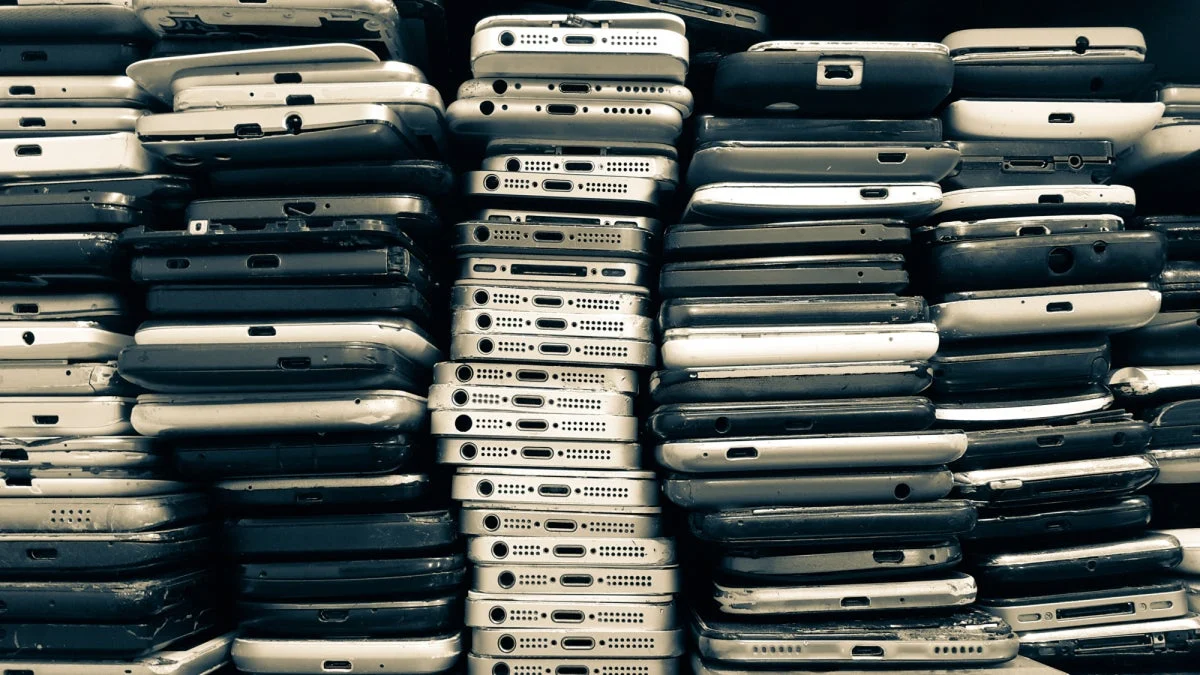
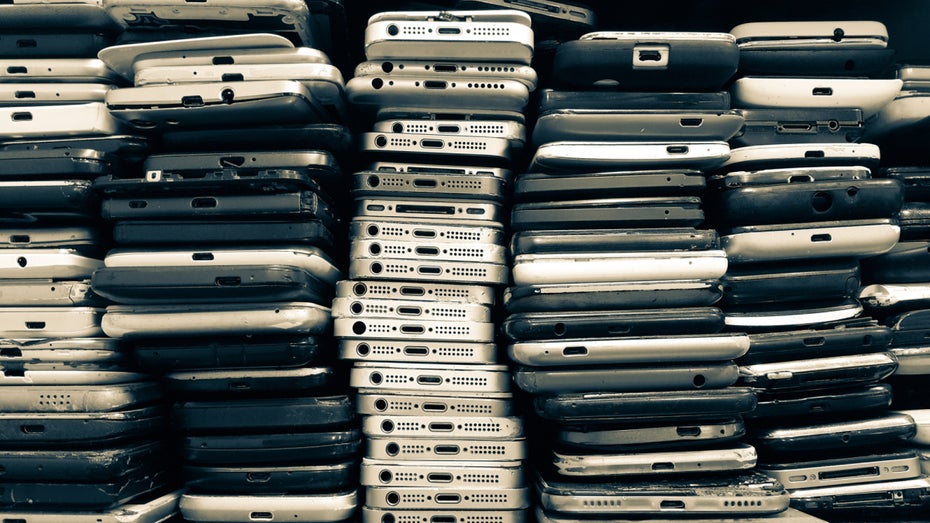
In an era where technology evolves at a breakneck pace, the average consumer finds themselves upgrading their smartphone every two to three years. This cycle leaves millions of functional, albeit older, devices languishing in junk drawers, forgotten in shoeboxes, or destined for e-waste landfills. However, these devices—often equipped with high-resolution cameras, robust processors, and reliable Wi-Fi connectivity—possess the latent capability to serve a vital new role: a sophisticated, cost-effective home security system.
Repurposing an old smartphone into a surveillance camera is not merely a clever hack; it is a sustainable practice that bridges the gap between digital waste and domestic security. By leveraging specialized software and basic hardware configurations, you can transform a discarded piece of technology into a sentry that guards your home, monitors your pets, or acts as a high-tech baby monitor.
Main Facts: The Anatomy of a DIY Security System
The core principle behind this conversion is simple: you are essentially creating a dedicated streaming terminal. Most modern security apps leverage the smartphone’s existing camera hardware, microphone, and internet connectivity to provide real-time video surveillance.
Essential Components for the Setup
- The Camera Unit: Any smartphone with a working camera—Android or iOS—can serve as the surveillance node. The quality of the image is generally dependent on the age of the phone, but even devices from 2018 or 2019 typically offer 1080p resolution, which is more than sufficient for indoor monitoring.
- The Controller Unit: Your primary, daily-use smartphone serves as the command center. Through a unified application, you can view the live feed, receive push notifications regarding motion alerts, and toggle recording features remotely.
- Software Infrastructure: Applications such as Alfred Camera, Faceter, or iVCam act as the bridge. They manage the heavy lifting of data compression, cloud synchronization, and motion detection algorithms.
Chronology: The Evolution of Repurposed Tech
The concept of using "legacy hardware" for security purposes has seen a significant shift in the last decade. Historically, setting up a home security system required professional installation, hardwired cables, and proprietary, expensive hardware.
- The Early Years (2010–2015): Surveillance was largely restricted to professional entities. Hobbyists attempting to use old webcams faced immense hurdles, including static IP configurations and complex firewall port forwarding.
- The App Revolution (2016–2020): With the rise of the "Internet of Things" (IoT) and cloud computing, developers began releasing plug-and-play applications. This allowed non-technical users to stream video directly to the cloud without needing to understand network topology.
- The Sustainability Pivot (2021–Present): Environmental concerns regarding "e-waste" have pushed companies and consumers toward the circular economy. Repurposing old smartphones has moved from a "frugal hack" to an environmentally conscious lifestyle choice, supported by tech outlets and climate-conscious advocacy groups.
Supporting Data: Why Repurposing Matters
The sheer volume of electronic waste generated globally is staggering. According to the United Nations’ Global E-waste Monitor, the world produces over 50 million metric tons of e-waste annually. Smartphones are a significant contributor to this figure due to their short replacement cycles.
- Cost Efficiency: A professional security setup from companies like Ring or Nest can range from $200 to over $1,000 when accounting for multiple cameras and subscription fees. Converting an old phone costs effectively $0, assuming you already own a mount and a charging cable.
- Performance Metrics: While a dedicated security camera may offer superior low-light performance (infrared sensors), modern smartphones excel in color accuracy and digital zoom capabilities. Data from consumer testing sites suggests that for indoor use in well-lit rooms, a 5-year-old flagship phone often outperforms budget-tier "smart" security cameras.
Setting Up Your Surveillance Node: A Step-by-Step Guide
1. Choosing the Right Software
The market is saturated with surveillance applications. Alfred Camera remains the industry leader for its user-friendly interface and multi-platform compatibility. Other notable mentions include Faceter, which emphasizes AI-driven event detection, and iVCam, which is excellent for those looking to integrate their phone as a high-quality webcam for a PC.
2. Positioning and Hardware Considerations
The limitation of a phone is its physical form factor. Unlike dedicated cameras, phones are not designed to be mounted to walls.
- The Mount: Utilize small, flexible "tripod" style mounts or suction-cup holders specifically designed for car dashboards. These allow you to angle the lens precisely toward a doorway or a nursery.
- Power Management: Continuous video streaming is a power-intensive process. The device must be plugged into a wall outlet permanently. Use a long, high-quality USB cable and a surge-protected power brick to ensure longevity and safety.
3. Network Optimization
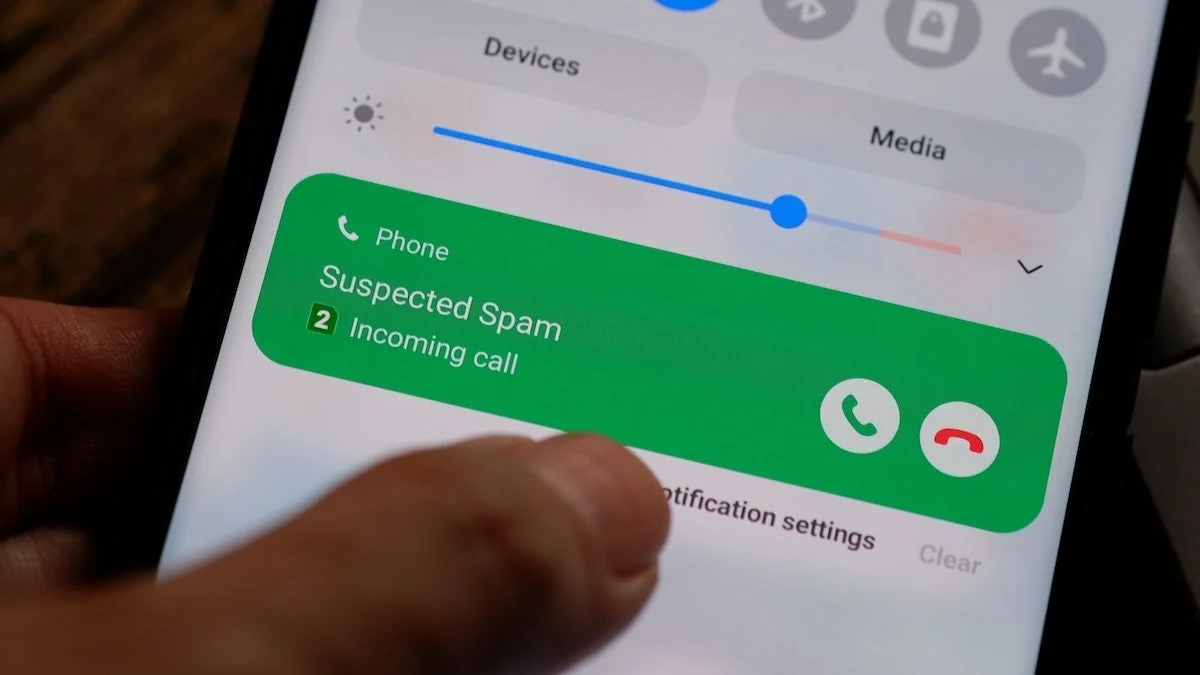
To ensure a smooth feed, place the device in an area with a strong Wi-Fi signal. If the device is buffering, consider a Wi-Fi range extender. Furthermore, ensure that the phone’s "Do Not Disturb" or "Focus" modes are enabled so that notifications or incoming calls do not interrupt the camera app’s stream.

Security Precautions: Protecting Your Privacy
One of the most critical aspects often overlooked is the digital security of the device itself. A camera that is not secure can be a liability rather than an asset.
- Wiping the Device: Before installing your security app, perform a factory reset. This removes sensitive personal data, contacts, and logged-in accounts. A "clean slate" device is significantly less vulnerable to data breaches.
- The Update Dilemma: Older smartphones eventually stop receiving OS security patches. This is a significant risk. If a device is no longer supported by the manufacturer, it should not be connected to your primary home network if possible. Utilize a "Guest Network" on your router to isolate the security camera from your personal computer, tablet, and main smartphone.
- Account Hygiene: Use a unique, strong password for the camera app itself, and enable Two-Factor Authentication (2FA). Even if the phone is physically secure, the cloud account is the most likely target for unauthorized access.
Implications: The Future of Home Surveillance
The trend of repurposing hardware has broader implications for the smart home industry. It highlights a shift in consumer behavior where functionality is valued over the "newness" of a product.
The Environmental Impact
By extending the life of a smartphone by even two years, consumers significantly reduce the demand for rare earth metals like cobalt and lithium, which are required for battery production. This "circular" mindset is becoming a prerequisite for responsible tech ownership.
The Privacy Trade-off
While the benefits are clear, users must remain cognizant of the privacy trade-offs. You are essentially introducing a live-streaming device into your most private spaces. It is imperative to research the data-handling policies of the app you choose. Does the company store your footage on their servers? Is the feed end-to-end encrypted? These are questions that every user must ask before pressing "record."
Conclusion
Turning an old smartphone into a security camera is a quintessential example of modern ingenuity. It solves a domestic need, combats the growing global e-waste problem, and provides a hands-on learning experience for users interested in home automation. By following proper privacy protocols—specifically factory resetting the device and isolating it on a guest network—you can turn a forgotten gadget into a valuable layer of protection for your home.
As we look toward the future, the integration of AI into these apps will only improve. We may soon see features like facial recognition or advanced object tracking become standard in these DIY setups, further narrowing the gap between amateur solutions and professional-grade security. For now, however, the simple act of plugging in that old, dusty phone is a powerful first step toward a safer, more sustainable home.