
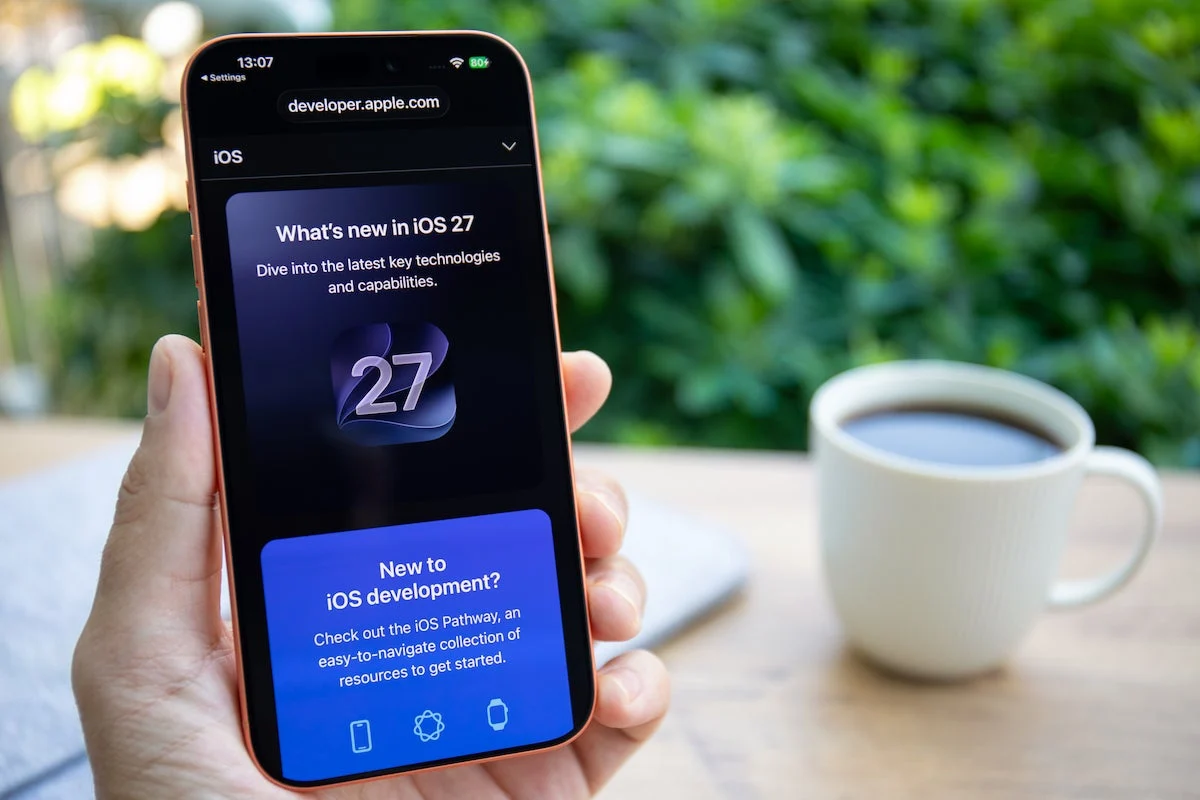
Only a few months after the global rollout of iOS 27 in September, Apple has accelerated its software development cycle by releasing iOS 27.2. While the initial release of iOS 27 focused on foundational stability and critical security infrastructure, this latest update serves as the first major feature-rich iteration, offering significant enhancements to communication, smart home integration, and system accessibility.
For millions of users worldwide, this update is more than just a routine patch; it represents a strategic shift in how Apple handles AI-driven productivity, user privacy, and cross-device interoperability.
The Main Facts: What You Need to Know
The rollout of iOS 27.2 is currently underway for all compatible iPhone models. Unlike the minor "dot" releases—such as the recent iOS 27.0.1, which focused almost exclusively on squashing minor bugs—iOS 27.2 introduces a substantive list of functional upgrades.
At the heart of this update is the continued expansion of Apple Intelligence. While European users face certain restrictions due to ongoing regulatory compliance with the European Union’s Digital Markets Act (DMA), the global rollout sees Siri AI gaining support for five new languages: French, Korean, Japanese, Portuguese, and Spanish. Despite these advancements, German-speaking regions remain in a waiting pattern as Apple navigates the complex legislative requirements of the European Commission.
Beyond AI, the update addresses a staggering number of security vulnerabilities. Apple has confirmed that iOS 27.2 patches over 160 bugs and security flaws, making it an essential installation for any user concerned about data integrity and device security.
Chronology: A Rapid Development Cycle
To understand the significance of iOS 27.2, one must look at the timeline of Apple’s recent software releases:
- September: Apple officially releases iOS 27, marking the platform’s leap into a new generation of mobile computing. The release included critical fixes for two high-severity security vulnerabilities.
- Early October: Apple pushed iOS 27.0.1, a minor stabilization release targeting performance bottlenecks reported by early adopters.
- Current Date: The release of iOS 27.2 arrives, signaling a transition from "maintenance mode" to "feature-expansion mode."
This rapid-fire approach highlights Apple’s commitment to iterating quickly in an era where mobile threats evolve weekly and competition in the AI space is fierce.
Deep Dive: Communication and Productivity
One of the most user-facing changes in iOS 27.2 is the integration of Apple Intelligence within the Messages app. The OS now proactively analyzes conversation context to offer smart suggestions. For instance, if a user sends a date or a time-sensitive event, the system automatically triggers an interactive button that allows the recipient to add the event to their calendar with a single tap. This eliminates the "copy-paste" friction that has long plagued mobile productivity.
For owners of the "iPhone Duo" (Apple’s high-end foldable device), the update introduces "Dual Capture" for FaceTime. This feature allows users to transmit video from both the selfie camera and the rear lens simultaneously. This is a game-changer for content creators and remote professionals who need to demonstrate a physical product or environment while maintaining a personal connection. However, Apple has implemented a logical constraint: the feature is automatically disabled if a group call exceeds two participants, likely to preserve bandwidth and processing overhead.
Privacy, Sideloading, and Regulatory Compliance
A significant, albeit less "flashy," aspect of iOS 27.2 is Apple’s compliance with the German Federal Cartel Office (Bundeskartellamt). In response to competition concerns, Apple has tweaked its privacy disclosure interface. The term "Tracking" has been removed from specific prompts, replaced by more granular, user-friendly language that gives developers the opportunity to better explain what data is being collected and why.
Simultaneously, the process for sideloading apps—installing software from sources outside the official Apple App Store—has been streamlined. While Apple has historically resisted opening its "walled garden," the company is refining the user journey for sideloading to reduce the number of confirmation clicks required, adhering to the spirit of open-platform regulations without sacrificing core system security.
Ecosystem Evolution: Apple Home, Music, and TV
The smart home experience receives a major boost in iOS 27.2. The Home app now offers deeper integration with Apple’s latest smart home hardware. Users will receive real-time notifications if a door is left ajar or unlocked. More importantly, if a smart lock is connected, the user can now secure the home directly from the lock-screen notification without needing to unlock the phone and navigate to the Home app.
For media enthusiasts, two notable changes stand out:
- Apple Music: The app receives a visual refresh, featuring a new icon and updated tab navigation, aimed at improving discoverability of new playlists.
- Apple TV: The app finally introduces multi-profile support. This long-requested feature allows individual members of a household to maintain separate watch histories, recommendation algorithms, and "Up Next" queues—a standard feature in most streaming services that was notably absent from the Apple ecosystem until now.
What Didn’t Make the Cut: The Health App Delay
Not all features planned for this cycle reached the finish line. The much-anticipated redesign of the Apple Health app, which was featured prominently in the beta 4 testing phase, was pulled from the final release. Sources suggest that UI/UX testing revealed performance regressions that Apple was unwilling to ship to the public. While disappointed users will have to wait, Apple has signaled that an update for the Health app is still planned for later this year.
Implications for the User
The overarching theme of iOS 27.2 is refined utility. By focusing on automation (Messages), hardware utilization (Dual Capture), and administrative ease (Home/TV profiles), Apple is attempting to solidify the iPhone’s position as the central hub of the user’s digital life.
However, the security implications are the most pressing. With over 160 vulnerabilities resolved, the risk of holding off on this update is significantly higher than the potential for bugs. The sheer volume of patches suggests that Apple’s internal security audits are becoming more rigorous, or that the complexity of the iOS 27 architecture is creating a larger surface area for potential exploits.
How to Update Your Device
To ensure your device is protected and you have access to these new features, follow these steps:
- Navigate to Settings: Open the Settings app on your iPhone.
- General Tab: Tap on "General."
- Software Update: Select "Software Update." The system will automatically check for the iOS 27.2 package.
- Install: Ensure your device is connected to Wi-Fi and has at least 50% battery (or is connected to a power source) before initiating the installation.
Final Thoughts
iOS 27.2 is a testament to Apple’s ongoing struggle to balance innovation with regulation. Whether it is the expansion of AI capabilities in non-EU territories or the forced concessions regarding sideloading and tracking, Apple is being pulled in multiple directions. Yet, for the end user, the result is a more capable, secure, and intuitive device.
As we look toward the next iteration of iOS, the industry will be watching closely to see how Apple handles the implementation of AI in the European market and whether the refined sideloading process will lead to a broader shift in how the App Store operates globally. For now, the best course of action for any iPhone user is to download the update, explore the new FaceTime features, and take advantage of the improved home automation controls.
Stay tuned to our technology section for further analysis on how these changes impact the broader mobile ecosystem.