
Note: This article contains affiliate links marked with an asterisk (). If you make a purchase through these links, we may earn a commission at no additional cost to you.*
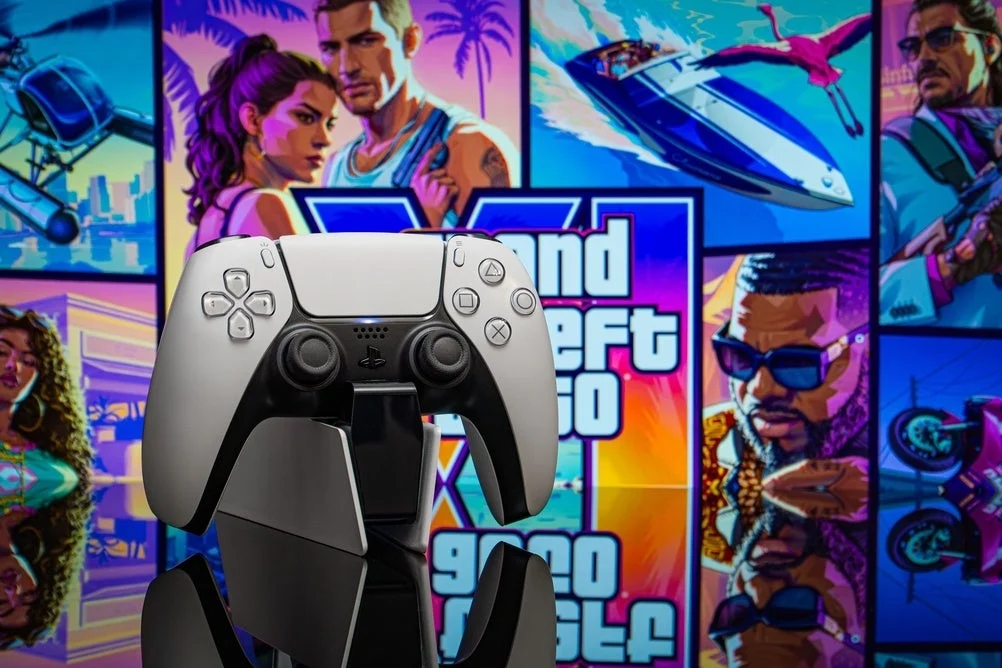
The gaming world is currently holding its collective breath. After more than a decade of anticipation, leaks, and speculation, Rockstar Games has finally set the date: Grand Theft Auto 6 is scheduled to launch on November 19. For PlayStation 5 owners, this release represents more than just a new title—it is an immersion experience that promises to push the console’s hardware to its absolute limit.
However, there is a practical reality that many players are overlooking: the intense demand this game will place on the DualSense controller. With its sophisticated haptic feedback and adaptive triggers, the controller is a marvel of engineering, but it is also a power-hungry device. As we approach the release date, many gamers are realizing that a single controller—and the standard charging cable—simply won’t cut it for the epic, marathon sessions that GTA 6 is guaranteed to trigger.
The Technological Demands of Los Santos
Rockstar Games has long been known for its commitment to technical fidelity. With GTA 6, the studio is expected to leverage the full suite of the PS5’s capabilities. Reports indicate that the game will utilize the DualSense’s adaptive triggers and haptic vibration in unprecedented ways.
Whether you are navigating the chaotic traffic of a rain-slicked city, engaging in high-stakes shootouts, or feeling the subtle shifts in terrain under the tires of a getaway car, the controller will be constantly communicating with the console. Every rumble, every resistance in the trigger pull, and every environmental effect contributes to a significantly higher battery drain than the average title.
In a game where immersion is the primary selling point, the last thing you want is the dreaded "Battery Low" notification appearing during a pivotal mission.
Chronology of the Controller Dilemma
The evolution of the gaming controller has seen a shift from simple plug-and-play wired devices to sophisticated, wireless peripherals that require active power management.
- The Early Days: In the era of the PS1 and PS2, wired controllers meant the battery was never a concern.
- The Wireless Revolution: With the PS3 and PS4, internal lithium-ion batteries became the norm. However, these controllers were less complex and drained power slowly.
- The DualSense Era: The PS5 introduced haptic feedback and adaptive triggers—features that move physical components inside the controller. This requires significantly more energy than the simple vibration motors of the past.
- The GTA 6 Catalyst: November 19 marks a turning point where the complexity of game design finally outpaces the battery life of the standard hardware for the average "power user."
The Case for a Dedicated Charging Station
While Sony provides a USB-C cable in the box, relying on it is a compromise. Plugging the controller into the PS5 console tethers you to the machine, effectively turning your wireless controller into a wired one. This defeats the purpose of the modern gaming setup and introduces a tripping hazard, not to mention the potential wear and tear on the console’s front-facing USB ports.
The Benefits of External Charging
A dedicated charging station offers a more elegant and efficient solution. By utilizing the metal contacts on the bottom of the DualSense controller, these stations bypass the USB-C port entirely.
- Seamless Switching: Most stations feature a "click-in" design that allows you to dock or retrieve a controller with one hand. If you keep two controllers in a rotation, you can drop one into the charger the moment the battery dips and grab the fully charged one instantly.
- Battery Health: Official Sony chargers and certified third-party alternatives include integrated overcharge protection. Once the battery reaches 100%, the station cuts the power. This is crucial for long-term battery health, as leaving a controller connected to a live USB port can sometimes lead to trickle-charging that degrades battery chemistry over time.
- Organization: Beyond functionality, a charging station serves as a clean, centralized home for your hardware, preventing controllers from being left on the floor or couch.
Market Analysis: Costs and Quality
When looking for a charging solution, it is important to distinguish between high-quality, licensed gear and budget alternatives.
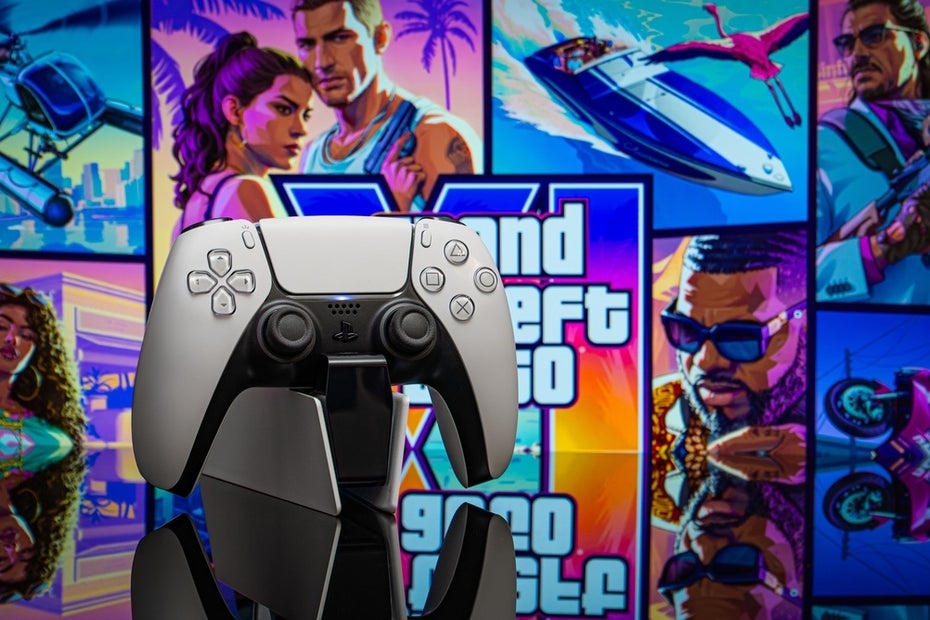
The Official Sony DualSense Charging Station
The gold standard remains the official Sony product. Currently, it is widely available, with frequent retail fluctuations. While the MSRP sits around $34.99, it is not uncommon to find it discounted to approximately $26.99 at major retailers like MediaMarkt or Amazon.
The build quality of the official station is noteworthy. It features a weighted base and rubberized feet, ensuring it stays firmly planted on your media console even when you are docking or undocking the controller with one hand. It charges at the same rate as a direct connection to the console, typically topping off a depleted battery in two to three hours.
Third-Party Alternatives: The PowerA Option
PowerA is a brand that has gained significant traction due to its official PlayStation licensing. Their charging stations are often more aggressively priced—sometimes as low as $19.99.
These units typically mirror the functionality of the official Sony dock:
- Dual charging slots.
- LED indicators to show charging status.
- Simple click-in mechanisms.
For the budget-conscious gamer, these licensed alternatives are an excellent middle ground. They offer the security of a product designed specifically for the PS5’s electrical specifications without the premium price tag.
Implications for the Gamer
Why does this matter now? Because GTA 6 is not a game you play for thirty minutes. It is a world you inhabit. If you are planning to lose yourself in the streets of Vice City on November 19, the logistical friction of a dying controller is a disruption you want to avoid.
Avoiding "Cheap" Pitfalls
While you may find unbranded, "no-name" charging stations on secondary marketplaces for under $15, caution is advised. The charging contacts on the DualSense are delicate. A poorly manufactured station may not align perfectly, leading to arcing, oxidation of the contacts, or improper voltage regulation.
Investing an extra $5 to $10 in a licensed product (whether Sony or a certified third-party) is essentially an insurance policy for your $70 controller.
Final Recommendations for the Release
As we countdown to the November 19 launch, your checklist should be clear:
- Assess Your Rotation: Do you have two controllers? If not, consider if a second DualSense is within your budget. If you are playing solo, one controller is fine, but you will need a charging station to ensure it’s ready to go the moment you wake up or return from work.
- Verify Compatibility: Ensure your chosen charging station is specifically labeled for the PS5 DualSense.
- Optimize Placement: Place your charging station in a location that is easily accessible from your gaming chair. The "click-in" ease is a major quality-of-life improvement during high-intensity gaming sessions.
The arrival of GTA 6 will undoubtedly be the gaming event of the decade. By preparing your setup now—ensuring you have the power to keep playing without interruption—you are setting yourself up for an uninterrupted, high-octane experience. Don’t let a drained battery keep you from the most anticipated virtual world in history. Invest in a charging solution today, and prepare to step into the world of GTA 6 with full power.